Video editing can take far longer than the actual recording. A 30-minute interview may contain multiple takes, pauses, repeated answers, unusable sections, background noise, and hours of supporting footage. Turning that material into a coherent final video still requires editorial judgment, but much of the work around that judgment is repetitive.
That is where AI video editors can be useful. The better tools are not simply about generating a video from a prompt. They can help with tasks such as finding footage, removing unwanted sections, creating a first assembly, cleaning up audio, producing shorter versions, or handling repetitive editing operations.
The right choice depends on what you are trying to speed up. Some platforms are designed around short-form content, while others are better suited to working with longer recordings or a traditional editing timeline. Here are six options worth considering for different post-production workflows.
Table of Contents
Before choosing a tool, consider where the bottleneck actually occurs in your editing process.
If you spend most of your time reviewing footage, look for tools with transcript-based editing, semantic search, or automated assembly. If versioning is the problem, prioritize tools that can turn a longer edit into multiple cuts. For editors working on more involved projects, timeline control matters because automated changes still need to be reviewed and refined.
A useful AI video editor should reduce repetitive work without hiding the underlying edit. You should be able to inspect what was changed, adjust the result, and continue editing when the automated output is only a first pass.
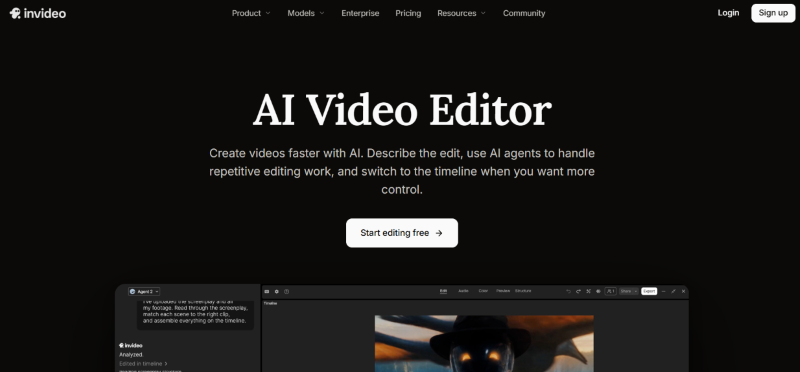
Invideo editor takes a different approach to AI-assisted post-production by combining AI editing agents with a professional editing timeline. As an AI-based video editor, it brings AI assistance into the editing workflow without taking the editor out of the process.
Instead of treating AI as a replacement for the editor, the workflow is closer to assigning work to an assistant. You provide the footage and direction, and an agent can perform assigned editing work directly on the timeline. You retain the project and can inspect, change, or refine the result manually.
One of its central capabilities is agentic assembly. An editor can upload raw footage, add a script or transcript when available, and describe the base cut they want. The agent reviews the material, selects usable takes, removes repetition and filler, and assembles the selected clips into an editable timeline.
This is particularly useful for interviews, talking-head videos, podcasts, multicam projects, and other footage where the first assembly can consume significant time. It can also support footage search, pacing changes, cutdowns, audio post-production, colour work, dubbing, and versioning.
The distinction is important: the goal is not simply to generate a finished video and walk away. The AI handles parts of the execution while the editor remains responsible for the story, pacing, and final creative decisions.
Descript is particularly useful for projects where spoken content is central to the edit. It creates a transcript of recorded material and lets users work with video through the text.
For interviews, podcasts, webinars, tutorials, and talking-head recordings, this can make content review much faster. Instead of scrubbing through a timeline to locate a particular sentence, you can work from the transcript and remove sections of dialogue by editing the corresponding text.
Its workflow is useful when the structure of a video is closely tied to what was said. For example, a creator working through a long interview can identify sections of the conversation, remove unwanted passages, and build a tighter version without treating the transcript and timeline as completely separate tasks.
Descript is therefore a strong option for spoken-word editing, especially when reviewing and restructuring dialogue is the main challenge.
CapCut has become a common choice for creators producing short-form social content. Its AI-assisted features are aimed at speeding up many of the operations involved in turning source material into platform-ready videos.
For creators working on TikTok, Instagram Reels, YouTube Shorts, and similar formats, the appeal is its combination of editing tools, effects, captions, and automated assistance in one workflow.
It can be particularly useful when the objective is not a complex long-form edit but a quick social cut that needs captions, visual adjustments, transitions, and other finishing touches.
The trade-off is that a social-first workflow may not be the best fit for every professional post-production project. If your work involves extensive raw footage, detailed timeline decisions, or a more traditional editorial process, consider whether the tool’s workflow matches the way you already edit.
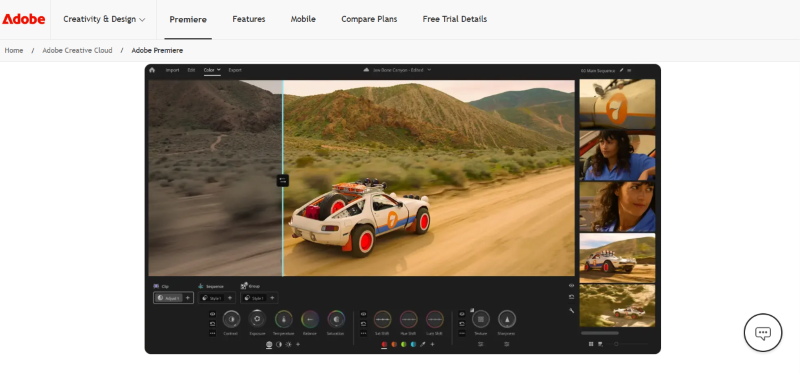
Adobe Premiere Pro remains a strong choice for editors who want extensive manual control while adding AI-assisted features to parts of the workflow.
Its advantage is the depth of the editing environment. Editors can work with complex timelines, multiple media types, detailed audio and visual adjustments, and established post-production workflows while using AI where it makes sense.
This makes Premiere Pro particularly relevant to professional editors who do not want to move away from a conventional nonlinear editing environment in post-production. AI can assist with certain tasks, but the editor still has direct control over the project.
The downside is that the depth of a professional editor can also mean a steeper learning curve. Editors who primarily want to automate repetitive assembly may find a more agent-oriented tool better suited to that specific task.
OpusClip is focused heavily on repurposing longer videos into shorter social clips.
This makes it useful for marketers, podcasters, educators, and creators who already have long-form content but need to produce more short-form material from it. Rather than manually watching an entire recording and identifying every potential clip, an AI-assisted workflow can help surface sections that may work as standalone pieces.
A common use case is taking a podcast or interview and turning it into multiple vertical clips. Captions, reframing, and other presentation adjustments can then help prepare those clips for social platforms.
OpusClip is less about replacing a complete professional editing workflow and more about solving the specific problem of content repurposing. If your main objective is multiplying the output from existing long-form recordings, that focus can be valuable.
Clipchamp is a browser-based video editor aimed at making video creation accessible without requiring a complex professional editing setup.
Its workflow can be useful for creators, marketers, educators, and teams producing everyday content such as presentations, social videos, tutorials, and promotional clips. Alongside conventional editing controls, it includes AI-assisted capabilities that can help with parts of the content creation and post-production process.
One advantage of a browser-based editor is convenience. Teams can work without installing a large desktop application, which can make it easier to handle straightforward editing tasks across different devices.
Clipchamp is best suited to users who want a relatively approachable editing environment for everyday video production. Editors working on highly complex projects may still need a more advanced timeline-based application, but for routine content creation, its simpler workflow can be a practical option.
The best AI video editor depends less on the number of AI features and more on where it fits into your workflow.
If you regularly receive hours of footage and spend significant time reviewing takes, look for AI tools that can understand footage and create an editable first cut. Invideo editor is designed around this type of workflow, particularly through its agentic assembly approach.
Transcript-based editing can make a major difference when dialogue drives the structure of the video. Tools such as Descript are well suited to this kind of work.
If your primary output is short vertical content, a social-first editor such as CapCut can provide a faster route from source material to published clips.
When the main goal is turning one long recording into several short videos, OpusClip’s workflow is built around that use case.
Editors who need a deeper conventional editing environment may prefer Premiere Pro, particularly when AI assistance needs to coexist with detailed manual editing.
If you need a straightforward editor for everyday videos, presentations, tutorials, or team content, Clipchamp offers a simpler browser-based workflow without requiring a full professional editing setup.
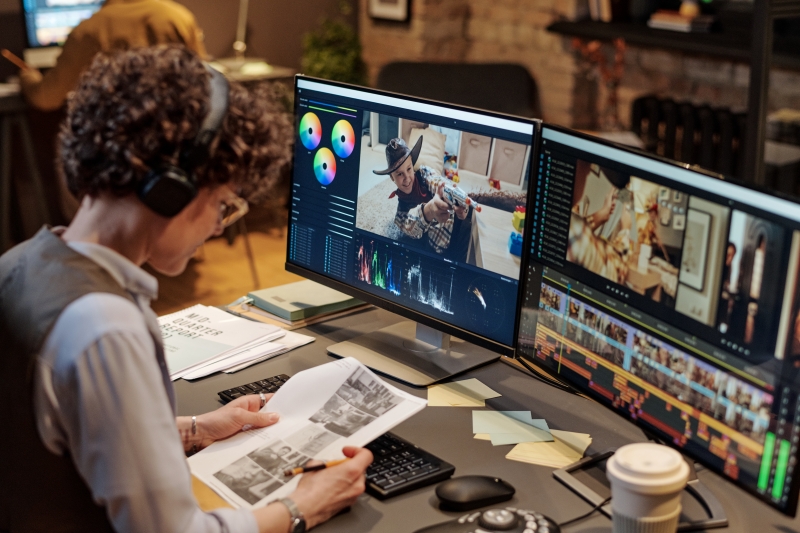
AI video editing is most useful when it takes care of work that does not require a creative decision every few seconds.
Selecting the right take, removing repeated material, locating a specific moment in hours of footage, creating alternate cuts, and handling routine post-production can all consume time without necessarily being the part of editing that defines the final piece.
The creative decisions still matter. An automated first cut can be technically clean and still have the wrong rhythm. A selected clip can contain the right information but miss the best performance. A generated visual can look appropriate while weakening the story.
That is why the strongest workflows treat AI as part of the editing process rather than the entire process. Let the software handle repetitive execution, then spend your time on structure, pacing, performance, sound, colour, and the decisions that make the final video work.
There is no single best AI video editor for every production workflow. The right choice depends on whether you need faster rough cuts, transcript-based editing, social clips, content repurposing, professional timeline control, or accessible browser-based editing.
For editors working with substantial amounts of raw footage, the biggest opportunity may be at the beginning of post-production. Getting from an unorganised media pool to a usable first timeline can take hours, and AI editing agents can increasingly help with that stage while leaving the editor in control of the final cut.
The goal is not to automate every creative decision. It is to remove enough repetitive work that editors can spend more of their time making those decisions.
Read our blog for more information about AI and the modern design world.