The evolution of the graphic design industry increases the need for vector-based graphic design, like Adobe Illustrator. Modern design needs a flexible working tool to handle various visual project types, from digital to printed media. In this context, vector files play an important role due to their scalability, allowing them to be resized without losing quality, making them the standard for both digital and high-resolution printed materials.
Various creative projects, including the creation of logos, illustrations, icons, and the elements of brands’ visual identity, widely use vector files. This is due to the scalability and adjustability of vector graphics. One of Adobe Illustrator’s characteristics is its ability to easily resize without losing quality. This makes it a top choice for professional design production.
Among various software choices available, Adobe Illustrator is known as one of the vector design standards. Various design needs, like logo design, illustrations, branding, icon design, and other digital graphic design projects that seek high flexibility and precision, often use this software.
Table of Contents
Adobe Illustrator is the most well-known and used vector-based design software in the graphic design industry. Adobe Inc. developed this software and released it as a professional tool for creating vector graphics in 1987. Today, Adobe Illustrator is part of the Adobe Creative Cloud, which provides various creative applications within a single, integrated ecosystem. Designers often use this software to create various design projects such as logos, icons, illustrations, typography, infographics, and product packaging with high-resolution results.
Adobe Illustrator has various key features that can support overall design needs. Each feature gives easiness, precision, and flexibility in the vector-based design process. These features not only help the creation of visual elements but also support typography processing, layout settings, and workflow integration with various other design applications. Explore more of your design inspiration by accessing various font collections in Nathatype.
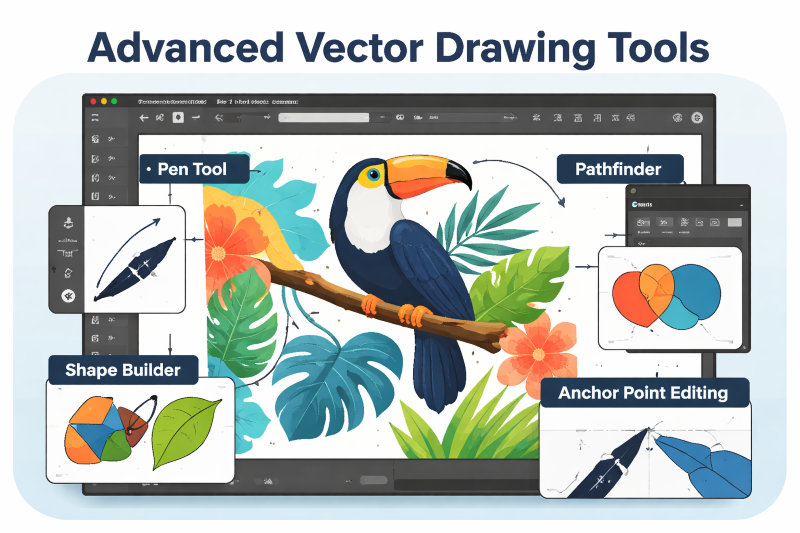
This software offers various advanced vector drawing tools to create high-precision illustrations. The Pen Tool allows you to create precise lines and curves, while the Shape Builder simplifies the process of combining and shaping objects. Meanwhile, the Pathfinder allows for the creation of more complex shape combinations, and editing anchor points controls each point and curve in detail. All of these tools support the process of creating precise, structured, and professional vector illustrations.
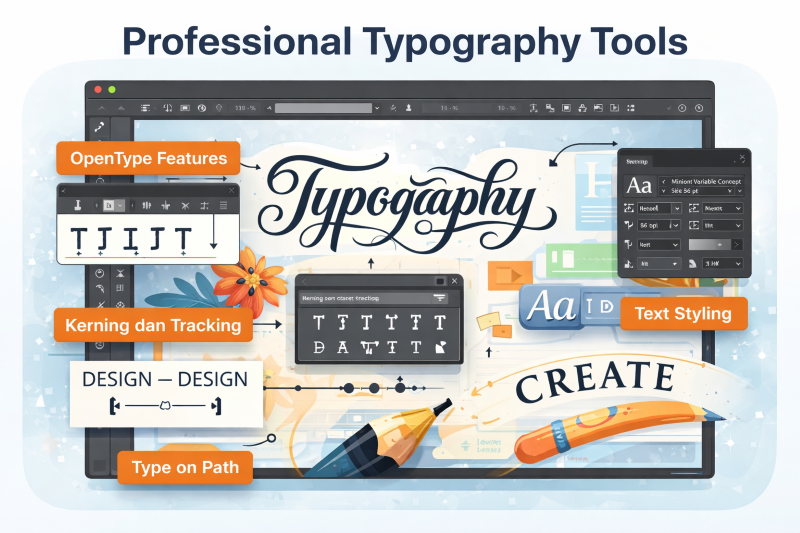
In terms of typography, this application provides professional features to support detailed text processing. The OpenType feature allows for a wider variety of characters, while kerning and tracking settings allow for precise letter spacing. Furthermore, the Type on Path feature allows for text placement following specific lines or objects, and text styling supports comprehensive text display processing. All of these features make it effective for typography-based design needs.
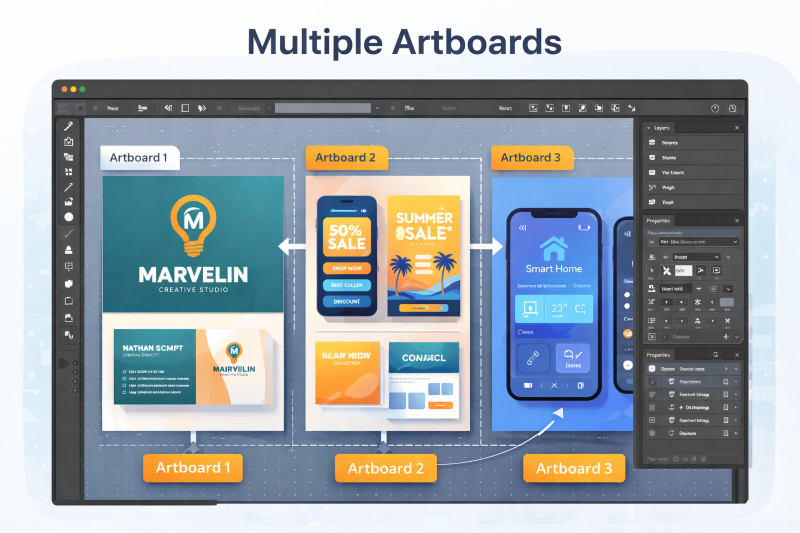
The Multiple Artboards feature allows users to create and manage multiple layouts in one document. This feature helps the design process that needs several look variations, such as branding projects or UI design. With this ability, the design workflow feels more efficient due to its features to manage, compare, and develop various concepts in one structured file.
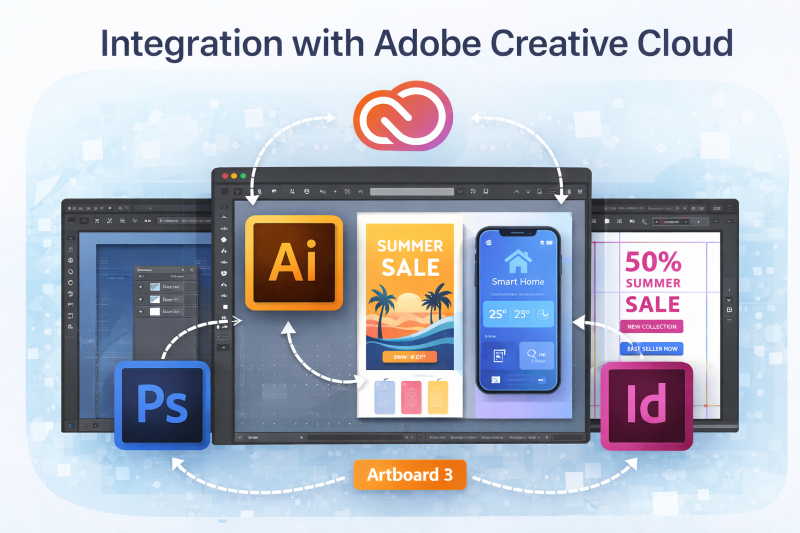
Illustrator integrates with various other applications within the Adobe Creative Cloud ecosystem. This integration allows users to use design files and assets directly within other software, such as Adobe Photoshop and Adobe InDesign. This interconnected system makes design workflows more flexible and efficient, especially when handling projects involving multiple media types and production requirements.
Adobe Illustrator has several advantages that make it one of the most widely used vector design software by professional designers. These advantages include comprehensive features and the ability to produce precise, flexible, and consistent designs.
Many design studios and agencies use this application to create various creative projects. Its consistent usage in various industry sectors makes this software the standard of vector-based designs. Therefore, it indicates that Illustrator has advantages that suit the needs of professionals in the graphic design industry.
Its comprehensive design features support the creation of vector-based graphics. For example, the Gradient Mesh feature has a function to create smooth yet complex color gradation, while Pattern Design helps in making efficient repeating patterns. Furthermore, Advanced Vector manipulation provides deeper control over shapes and objects. All of these features provide high flexibility in the design process.
Adobe’s vast ecosystem becomes one of the key factors in supporting modern design needs. This includes various design plugins that broaden the software’s function, templates that ease the design process, and marketplace assets that provide ready-to-use visual elements. Additionally, a large user community helps designers in gaining references, learning, and support during the design process.
Despite its numerous advantages, this software still has some limitations. These limitations include the use of an Adobe Creative Cloud subscription system, the requirement for relatively high computer specifications, and a somewhat steep learning curve for beginners. Therefore, users should consider these limitations before utilizing this application optimally.
Adobe Illustrator is suitable for use by a wide range of design professionals who require high precision and flexibility. This software supports a wide range of creative work, from visual processing to brand identity development.
This software is ideal for the following users:
They use the software to make logos, illustrations, icons, and other branding elements with high precision. This software helps create consistent designs that are easy to implement across various media.
Adobe Illustrator is one of the important software for professional illustrators to create detailed and flexible vector illustrations for various media—both digital and printed.
This software helps brand designers develop visual identities such as logos, brand guidelines, and element designs in a consistent and directed manner.
UI designers frequently utilize Adobe Illustrator to create icons, visual layouts, and various interface assets for application and website designs.
One of the advantages of this software is supporting typographic-based designs. It has detailed control over characters, letter spacing, and precise text layout.
Its function to create a precise, highly detailed layout helps designers to make product packaging designs by paying attention to layout structure, visual elements, and product information in a precise and structured manner.
Adobe Illustrator is vector-based design software that many professionals in the graphic design industry use. Its comprehensive features and extensive ecosystem make it a top choice for professional designers.
Use Adobe Illustrator to develop your design skills and produce more professional visuals. Start exploring creative and precise designs.