Choosing the best graphic design software isn’t only about popularity or price, but rather about how software can support the more complex modern workflow. By 2026, designers will be working on various projects other than creating logos or posters. These projects include branding systems, social media content, UI layouts, and even AI-based visuals. Therefore, the demand for flexible and efficient graphic design software will increase throughout the year.
There are now a wide range of options for design software, from platforms that are suitable for beginners to those that are industry-standard. However, not all software can meet the needs of professional designers or modern creators. Each of the software has its advantages, whether it is vector control, raster editing, cloud collaboration, or AI integration.
Through this article, we will discuss 7 of the best graphic design software programs for modern designers. We will begin with the advantages, characteristics, and who is suitable to use the software. Therefore, you can choose the most suitable and appropriate software for your design needs and career direction.
Table of Contents
Before determining which software is right, it’s important to understand the basic criteria. Every designer has different needs, so they have to decide what software will work best. A logo designer, for example, has quite different needs than a digital illustrator or content developer does.
Here are the main factors to consider when choosing the right software:
Design software, ideally, should be able to handle either of these graphic bases, vector and raster. Vector is important for logos, branding, and typography because of its flexible scale without any rupture. Meanwhile, raster is necessary to manipulate photos, textures, and other image elements. Therefore, good design software is the one that has the most complete features and better performance.
For contemporary designers, typography doesn’t only work as additional text but also as one of the tools to deliver messages. Therefore, the best graphic design software must have precise letter management, such as tracking, kerning, detailed alignment control, and OpenType features.
Design projects often come with large, multi-layered files. Thus, good design software should be stable, responsive, and able to handle complex files without excessive lag.
In 2026, AI integration adds significant value in various design software. This tool improves workflow efficiency by using generative fill, automatic backdrop removal, and smart layout suggestions.
Modern design software should support real-time collaboration or at least a system that allows designers to share files efficiently. It’s worth noting that many design teams are now working remotely or from home.
Not every designer can afford a pricey subscription. Therefore, choosing the best graphic design software isn’t about paying the highest price but about getting the most value for the user’s needs.
By understanding the factors above, we can objectively evaluate software. Choosing the best software isn’t just about popularity but also about its compatibility with today’s modern designer workflow.
Next, let’s go deeper into the list of the 7 best graphic design software for modern designers that are most relevant and widely used.
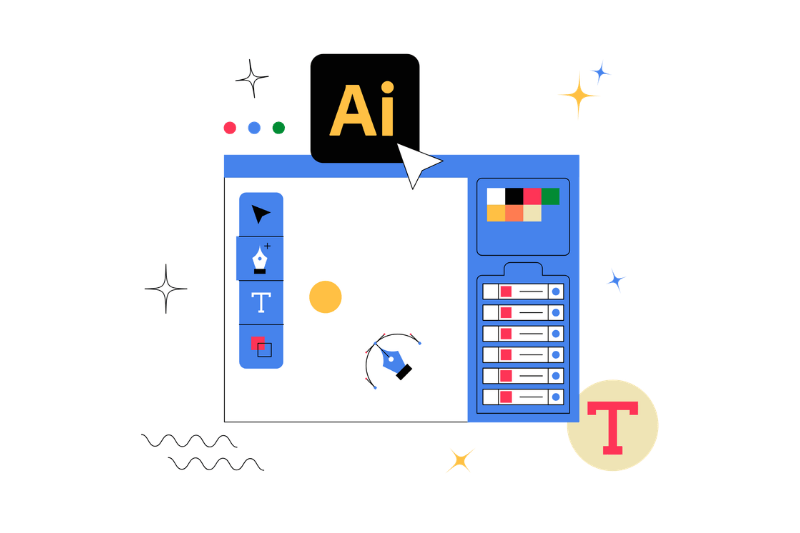
In the list of the best graphic design software, Adobe Illustrator is known as the industry standard for vector-based design. This software allows designers to create graphics that remain sharp at various sizes, making it ideal for logos, branding systems, and professional type foundry needs.
Below are Illustrator’s main advantages:
Adobe Illustrator is suitable for logo designers, branding specialists, and professional designers who demand detailed control and global industry standards. For modern designers who focus on visual identity and scalable systems, this software remains one of the strongest choices in the best graphic design software category.
While Adobe Illustrator specializes in vector graphics, Adobe Photoshop dominates the raster and image manipulation field. In the context of the best graphic design software, Photoshop remains the most flexible software for a wide range of photo-based visual and digital imaging needs.
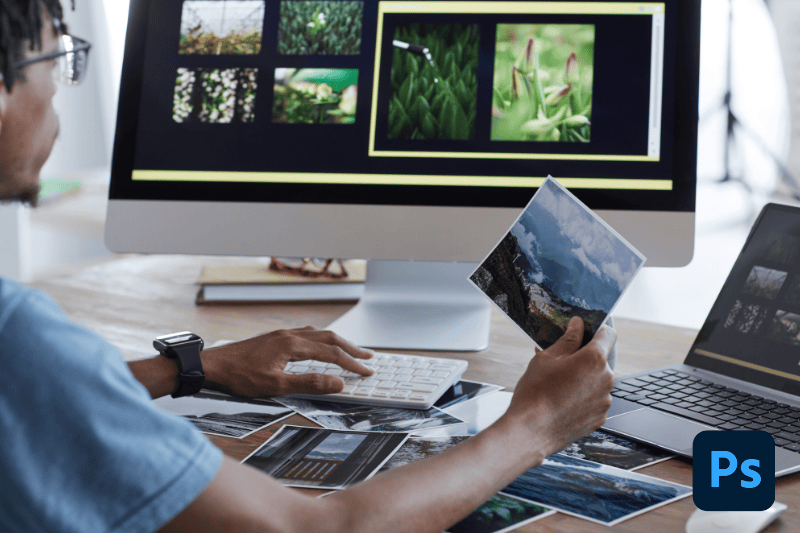
Photoshop is relevant for creating social media content, digital campaigns, promotional materials, and even realistic mockups for branding presentations. Many modern designers combine Illustrator for logos and Photoshop for presentation visuals.
Photoshop’s advantages that many designers rely on:
While Photoshop doesn’t excel in the vector realm, its flexibility and editing power make it worthy of a spot on our list of the best graphic design software of 2026.
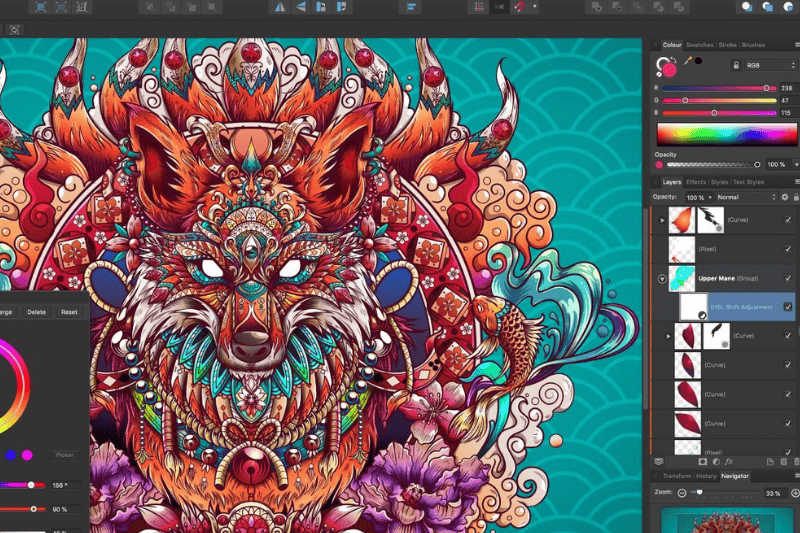
Amidst the dominance of subscription-based software, Affinity Designer emerges as a serious alternative that is gaining traction. Unlike the Creative Cloud ecosystem, Affinity Designer uses a one-time purchase model, not a subscription.
However, Affinity Designer’s recent acquisition by Canva enhances its positioning within the modern design ecosystem. This acquisition opens the possibility of broader integration between professional workflows and cloud-based platforms.
Affinity Designer’s advantages:
Affinity Designer is ideal for freelancers, small studios, and independent designers seeking to reduce reliance on subscriptions. While not an industry standard like Illustrator, it still deserves a place on the list of best graphic design software for modern designers who prioritize efficiency and value.
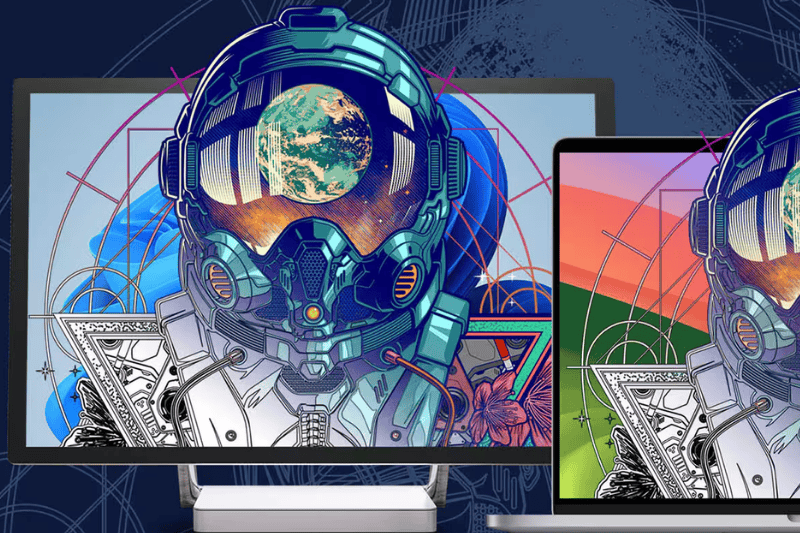
While Adobe Creative is synonymous with global branding, CorelDRAW is identical to the production and printing world. Discussions of digital design trends may not always mention this software, but real-world industry practice still relies on it.
CorelDRAW is renowned for its robust production-based design capabilities, including printing, signage, and large-format output. Many professional printing companies rely on CorelDRAW for its stability and ability to precisely manage technical files.
Several reasons why CorelDRAW remains relevant:
In the fast-paced era, Canva has successfully positioned itself as one of the most accessible design platforms. Although often associated with beginner designers, Canva is still worth considering as the best graphic design software in the context of modern workflow.
This platform is cloud-based and depends on an intuitive drag-and-drop system. Thousands of ready-to-use templates allow users to create social media content, presentations, and promotional materials. Everything can be created quickly without the need to master complex design techniques.
Canva’s strengths in modern design workflow:
Canva, despite its many conveniences, does not cater to complex branding or advanced visual manipulation. However, Canva continues to benefit content creators, marketers, and small business owners. Therefore, in a fast-paced modern design ecosystem, this platform proves that ease of access can also be a favorite choice.
While Canva emphasizes ease and templates, Figma has its position as a collaborative platform and structured design system. Figma has rapidly evolved recently, expanding its scope beyond UI/UX. Many modern designers now use it for branding systems, digital layouts, and even grid-based visual content creation.
With cloud-based Figma, designers can work on the same project in a real-time manner. This design software is relevant for remote and start-up teams seeking to create the project rapidly without the challenge of file sharing.
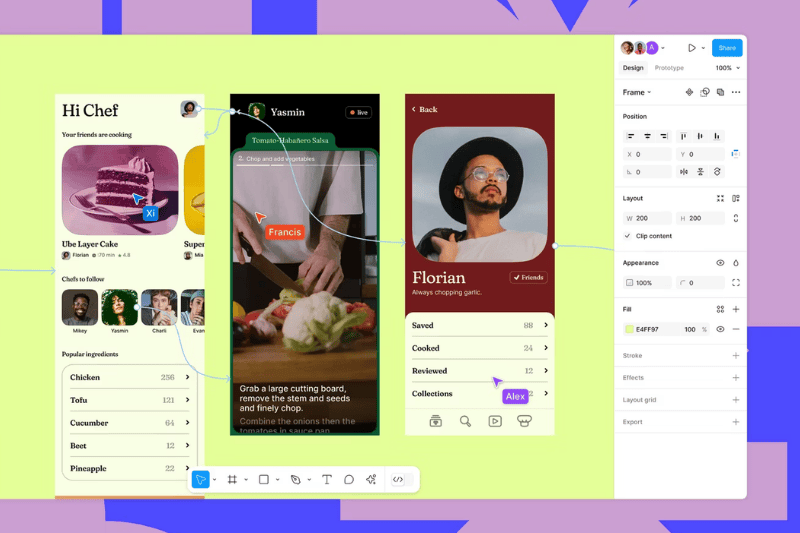
Here are the strengths of Figma that stand out among designers:
Although it is not the main choice for complex photo manipulation, Figma is perfect for layout, visual system, and digital product needs. In the context of modern teamwork, its flexibility and collaboration make Figma a strong candidate in the best graphic design software category today.
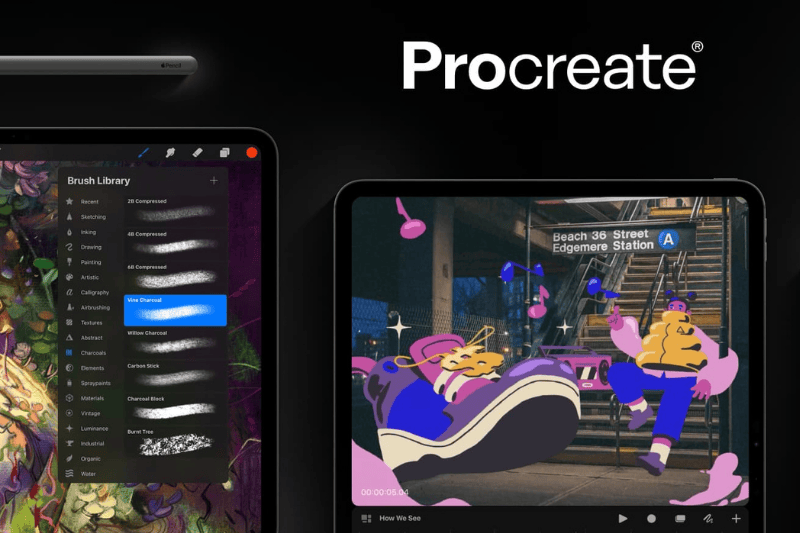
Amidst the desktop software domination, Procreate emerges as a symbol of flexibility and mobility in the modern design world. Running on the iPad, the app transforms the way many illustrators and lettering artists work, moving from being desk-bound to more flexible and portable.
Procreate is renowned as a digital painting app, but its capabilities extend far beyond drawing. With its responsive and natural brush engine, designers can create illustrations, lettering, and even visual concepts with intuitive controls.
Procreate’s strengths that make it stand out:
While Procreate isn’t designed for building complex branding systems or large-scale production layouts, it’s powerful for creative exploration and illustration. As such, it remains on the list of the best graphic design software for modern designers.
Determining the best graphic design software isn’t about choosing the most popular but rather the most suitable for your needs and workflow. Every software mentioned above has its characteristics and strengths. For example, Adobe Illustrator offers superior vector precision, Photoshop provides editing flexibility, cloud-based apps like Figma and Canva enhance efficiency, and Procreate allows for creative freedom in illustration.
Moreover, for modern designers, the best approach is often not to choose a single software but to build a combination of complementary workflows. For example, you can use Illustrator to build visual identities, Photoshop for mock-ups and visualization, and Figma for team collaboration.
By 2026, the development of AI, cloud-based systems, and design needs across various platforms will change how we work. Therefore, understanding each platform’s strengths becomes the key to selecting the best graphic design software that truly supports your career growth.
In the end, software is only a tool. Creativity, visual strategy, and design knowledge remain as the main factors that make your work extraordinary. Visit the Nathatype.com blog to find more intriguing design articles!