Old photographs are more than just pieces of paper. They are physical links to our past and the people we love. Many families have boxes filled with these treasures, but time is rarely kind to them. Photos fade, get scratched, or develop stains from moisture. You might find a perfect picture of your grandparents, but it is covered in dust marks or has a torn corner. Learning how to restore old photos allows you to save these memories before they disappear forever. Modern tools make this process simple for everyone, even if you are not a professional editor.

Sometimes, the problem is not just physical damage. You might find a digital version of a family photo on an old genealogy website or a public archive. These images often have distracting text or logos placed over the center. This is where a reliable watermark removal tool becomes a vital part of your toolkit. It helps you clear away those messy overlays so you can see the actual image underneath. Using these two techniques together ensures your family history looks clean and beautiful for the next generation.
Table of Contents
Imagine you are organizing a big family reunion. You want to create a slideshow that shows the history of your family over the last hundred years. You find a stunning black and white photo of your great-grandparents on their wedding day. The image is beautiful, but it has several problems. There are white spots where the ink has flaked off, and a large coffee stain sits in the corner—clear signs you need to restore old photos before sharing them. If you leave the photo as it is, the guests will focus on the damage instead of the happy couple.
In this situation, you need to restore old photos by fixing the physical defects first. You can scan the photo at a high resolution to catch every detail. Once you have the digital file, you use software to fill in the missing pieces and balance the light. This process removes the scratches and brings back the deep blacks and bright whites. It makes the photo look like it was printed yesterday. Your family will be able to see the expressions on their ancestors’ faces clearly for the first time.
After fixing the damage, you might notice a small stamp from the original photo studio in the corner. While some people like to keep these, others find them distracting for a modern slideshow. You can use a tool to erase that stamp without leaving a blur. This creates a clean, professional look for your presentation. The result is a perfect tribute that honors your family history without any visual clutter.
Historians and amateur researchers often spend hours looking through digital libraries. These libraries are full of old property photos, city maps, and portraits. However, many institutions place large watermarks over their digital previews to protect their files. If you are writing a blog post about local history or creating a book, these marks are a huge problem. They cover up important details like street signs, building names, or the clothing styles of the era.
When a researcher finds a rare photo of a local landmark, they want to see every brick and window. A watermark right in the middle of the building makes it hard to study the architecture. By using a watermark removal tool to remove these marks, the researcher can get a better look at the historical facts. This is not about stealing work, but about making history more accessible for study and education. It allows the true details of the past to stand out.
Once the watermark is gone, the researcher often finds that the photo is still quite grainy or faded. This is the perfect time to apply restoration techniques. Sharpening the edges and improving the contrast can reveal hidden details in the background. You might discover a person standing in a doorway or a horse and carriage down the street. These small details add a lot of value to historical research.
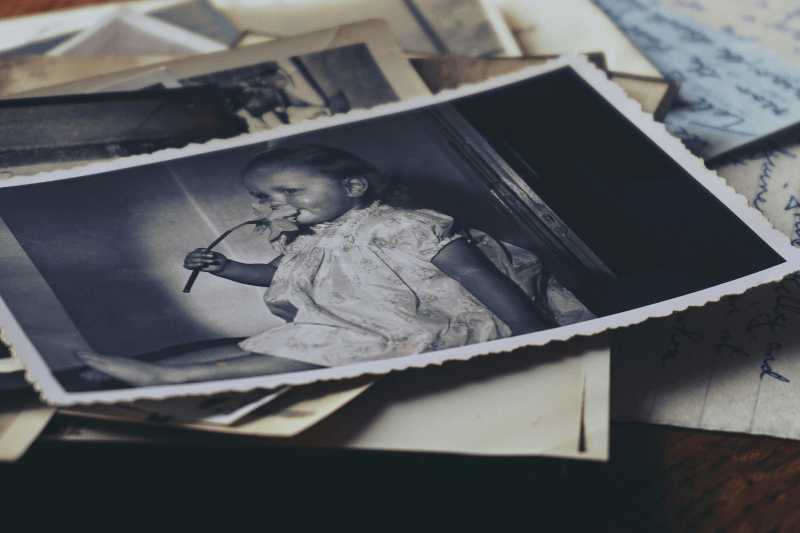
Vintage styles are very popular right now on social media. Many creators want to use authentic old photos to give their feed a unique look. You might find and want to restore old photos from the 1970s that are cool and fit your brand perfectly. The problem is that many of these old digital assets come with timestamps or old website URLs printed on them. These elements ruin the aesthetic and make the post look messy.
A content creator can use a cleanup tool to quickly delete those unwanted timestamps. This allows the vintage colors and film grain to be the main focus of the post. It gives the creator a high-quality image that looks intentional and polished. Instead of a cluttered photo, they get a clean piece of art that fits their grid. This helps them build a consistent brand that people enjoy following.
Sometimes, the creator might want to take it a step beyond just cleaning. They might want to colorize a black-and-white photo to make it pop. Or they might need to fix a blurry edge to make the photo look better on high-resolution screens. Combining restoration with watermark removal gives them total control over the final look. It turns a discarded old photo into a powerful piece of modern content.
The biggest benefit of using these tools is the emotional connection they help maintain. When you look at a clear photo of a loved one, it feels like they are still with you. Faded and damaged photos create a distance between the viewer and the subject. By cleaning up the image, you close that gap. You make the past feel present and real.
Another benefit is the professional quality you can achieve at home. A few years ago, you would have to pay a specialist a lot of money to fix a single photo. Now, you can do it yourself in a few minutes. This saves money and gives you the freedom to fix as many photos as you want. You can go through an entire family album and restore the old photos on every single page.
Finally, these tools save a huge amount of time. Manually painting over scratches in a photo editor takes hours of work and a lot of patience. Modern AI tools can identify the damage and fix it almost instantly. This means you can spend less time staring at a computer screen and more time enjoying your memories with your family.
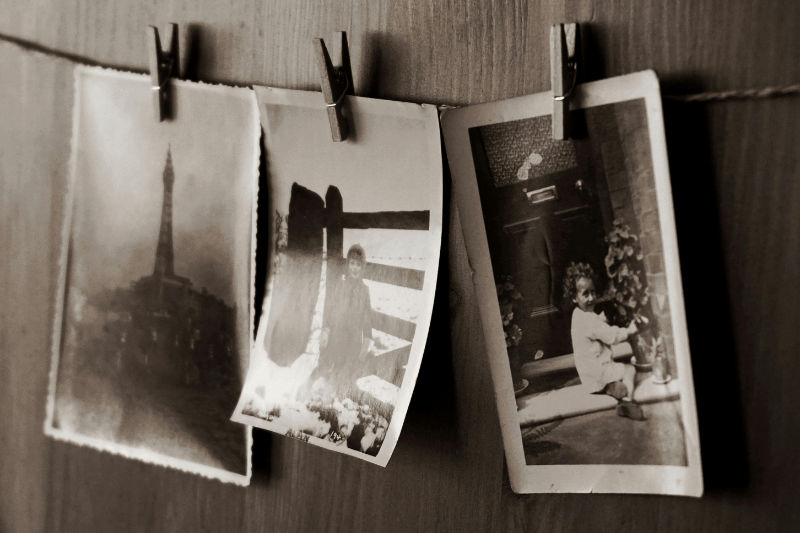
To get the best results when you restore old photos, you should follow a simple workflow. Start by getting the best possible scan of your original photo. Use a flatbed scanner if you can, rather than just taking a picture with your phone. Set the resolution to at least 300 DPI, or 600 DPI if you plan to print a larger version. A good scan gives the software more data to work with, which leads to a cleaner finish.
Once you have your file, follow these steps:
By following this order, you ensure that the most difficult parts of the job are handled first. Fixing the structure of the photo before using a watermark removal tool for it usually results in a more realistic look. It prevents the software from getting confused by overlapping issues.
| Column A | Column B | Column C |
| Manual Editing | AI Restoration | Professional Services |
| Takes hours of work | Takes seconds | Takes days or weeks |
| Requires expert skills | Very easy for anyone | No skills required |
| Free if you have software | Low cost or free | Very expensive |
| Hard to get perfect | Very consistent results | Highest quality possible |
To be able to restore old photos is a rewarding way to honor the past. Whether you are working on a family project, a historical study, or a creative post, the right tools make a huge difference. You do not need to be a tech expert to get great results. By using a restoration tool and a watermark removal tool, you can turn a damaged, cluttered image into a clear masterpiece. These photos are your legacy, and keeping them clean ensures they will be enjoyed for many years to come. Start going through those old boxes today and see what memories you can bring back to life.
Explore more creative ideas, insights, and inspiration on our blog and take your next project further.