The rise of technology has altered the way artists create visual works. Previously, digital illustration was mainly created on desktop computers, but many illustrators are increasingly shifting to a more flexible workflow that can be accessible via mobile devices. In this regard, the Procreate app emerges as one of the most trusted digital illustration tools.
Especially developed for iPad devices, the Procreate app offers intuitive drawing experience with full support for Apple Pencil. This combination between responsive performance, a strong brush system, and the simple interface makes this application quickly become a reliable tool adapted by illustrators, concept artists, and lettering artists in various creative industries.
This article will explore how the Procreate app can gain its current position in the digital illustration landscape as well as its role in the modern, creative workflow of 2026.
Table of Contents
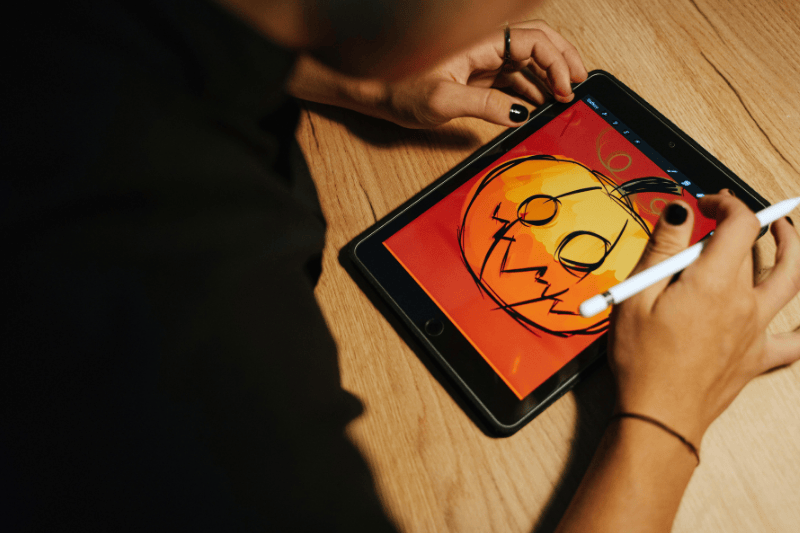
Procreate is a digital illustration application developed by Savage Interactive and specifically designed for iPad devices. Unlike other conventional design software that is primarily made for desktops, this application has been developed with a mobile-first approach since the beginning of its creation, making sure that the drawing experience on a mobile device can be more direct and intuitive.
The main focus of the Procreate app is digital painting and raster illustration. It means that each work is pixel-based, similar to the painting process in digital canvases. This approach is perfect for artistic illustrations, concept art, and letterings that need dynamic control of hand gestures.
The following are key characteristics of this application:
With its lightweight performance and natural drawing capabilities, the Procreate app is becoming one of the most favored tools for digital illustrators. Many creators use this app to create sketches, develop visual concepts, and even create a finalized illustration.
Procreate has a flexible brush system. Users can choose among hundreds of brushes provided or create a custom brush with detailed settings for the textures, grains, and stroke behaviors.
Integrated with Apple Pencil, this application makes it possible to control the pressure and skew more accurately. This feature makes the drawing process of lines, shading, and painting feel more responsive compared to other illustration apps.
Procreate’s interface is designed minimally with the main focus on a canvas. Most of the tools are carefully arranged so they can be easily accessed without disturbing the working area, allowing illustrators to focus on what they are working on.
Each drawing process is automatically recorded by the application. This feature makes it possible for users to rewatch the artwork creation process or share time-lapse videos as content creators.
Procreate provides a high-resolution canvas, enabling the use of artwork created here for various professional needs, such as editorial illustrations, posters, or merchandise.
With all these features combined, the Procreate app does not only function as a digital drawing tool but also as a platform for creative exploration for many modern illustrators.
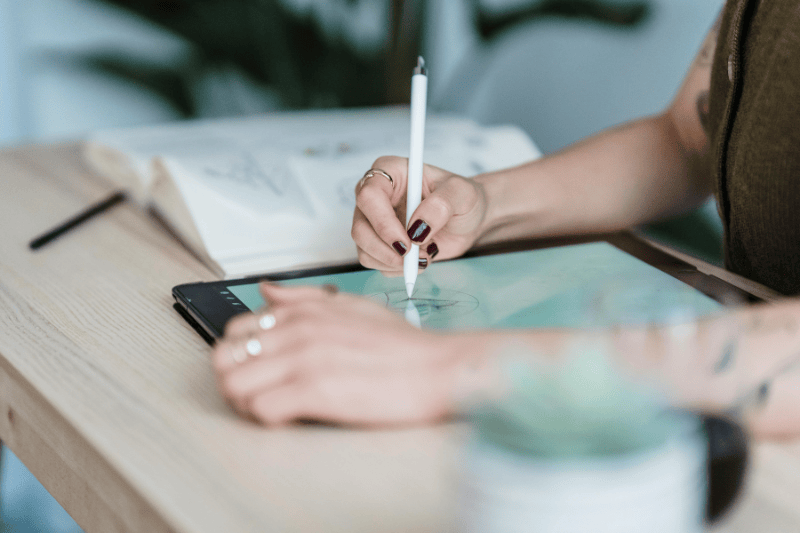
Besides strong technical features, many illustrators choose Procreate for its drawing experience that feels more natural than other traditional desktop software. With the iPad and Apple Pencil, the drawing process becomes more direct, similar to working in a sketchbook, but with digital flexibility.
One of the main features of the Procreate app is its simple yet efficient workflow. Illustrators can start with rough sketches and then develop the details until a final illustration without having to move to another application. This feature makes the idea exploration process quicker and more intuitive.
The following are the reasons why this application becomes popular:
In modern design workflows, many creators no longer rely on one single software. Instead, they combine tools based on their different levels of work. In this context, the Procreate app is often utilized as a visual exploring tool that is both quick and flexible.
Many illustrators start the ideas while using their iPads and the Procreate app, especially when they are in the sketching and concept development phase. Because the drawing process feels spontaneous, this application is incredibly effective for developing visual ideas before moving to other software when they are in the production or layouting phase.
The following are some main features of Procreate in the modern creative workflow:
For many designers and illustrators, the Procreate app becomes the starting point of the creative process. After the visual concept is formed, the artwork file is often continued in other software such as vector editors or layout tools for more complex production needs.
This workflow approach shows that Procreate does not always replace other design software, but rather complements the ecosystem of tools used by modern designers.
Despite its appealing features, Procreate has some limitations compared to other design software. Knowing them is important so that users can place this application properly in their creative workflow.
One of the main limitations is its entirely raster-based approach. Unlike other vector tools, such as Adobe Illustrator, artwork in the Procreate app cannot be scaled without losing quality. This limitation makes it less suitable for certain design tasks, such as creating a logo or branding system that demands scaling flexibility.
The following are some limitations of Procreate that you need to know:
Additionally, because its main focus is illustration, the Procreate app does not provide design system features or collaborative workflows like those found in cloud-based software.
However, these limitations do not mean the app is less powerful. On the contrary, by understanding its limitations, designers can use it more effectively as part of a broader workflow.
In the ever-evolving design landscape, the Procreate app has become one of the most influential tools in the world of digital illustration. With a natural drawing experience and an intuitive workflow, this app allows illustrators and visual creators to develop ideas quickly, especially in the sketching and concept development stages.
Although not designed for vector designs or complex layouts, the Procreate app still plays an important role in modern workflows as a visual exploration tool. Many designers use it alongside other software to build a more flexible creative pipeline, making it one of the relevant tools in today’s design ecosystem.