Product videos have to do more than show what something looks like. They need to explain the product quickly, demonstrate how it works, highlight the right benefits, and often fit several formats at once. That can make video production surprisingly time-consuming, especially when a team needs product demos, social ads, ecommerce videos, and short promotional clips from the same source material.
An AI video editor can reduce some of that workload by helping with tasks such as assembling footage, removing repetition, creating cutdowns, adding captions, generating voiceovers, and adapting videos for different platforms. However, the tools differ significantly in what they automate and how much control they give you over the edit.
Here are seven AI video editor lists worth considering for product videos, along with the types of projects each one suits best.
Table of Contents
Before choosing a tool, consider the kind of product content you actually need to produce.
For simple social videos, you may mainly need fast trimming, captions, resizing, and basic effects. Product demonstrations and tutorials require stronger timeline editing, footage organisation, screen recordings, voiceovers, and control over pacing.
For ecommerce teams and marketers, batch production can matter just as much. You may need several versions of a product video for Instagram, YouTube, landing pages, paid advertising, and product listings.
A useful AI video editor should therefore make repetitive editing faster without taking away control over the final sequence.
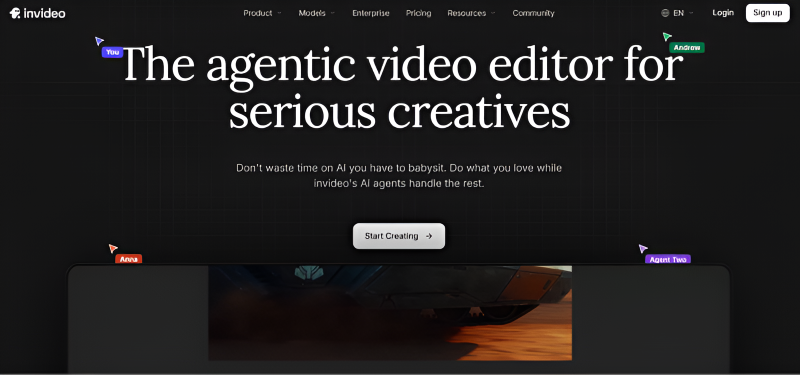
Invideo editor is worth considering when product video production involves a lot of raw footage and repeated editing work.
Rather than treating AI as a way to generate a finished video from a prompt alone, Invideo editor combines a professional editing timeline with AI editing agents. You can provide footage and direction, then assign an agent work such as reviewing material, selecting usable takes, removing repetition, and assembling a base cut.
That approach can be particularly useful for product demonstrations, customer interviews, unboxing footage, and longer recordings that need to be turned into usable marketing content. You can inspect the resulting timeline and continue editing manually, rather than being locked into an automatically generated result.
This AI video editor also supports footage review, agentic editing, colour and grading work, audio post-production, dubbing and localisation, and creating cutdowns for different platforms.
For teams working with messy source footage, the main advantage is the ability to hand over repetitive assembly while retaining control of the actual project.
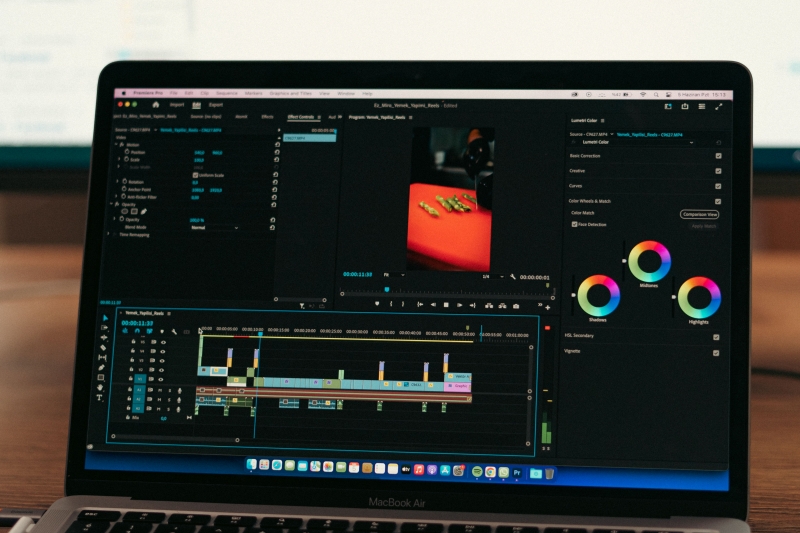
Adobe Premiere Pro remains a strong option for product videos where detailed manual control is important.
Its timeline-based workflow suits projects that need careful control over product shots, voiceover timing, graphics, music, colour, and transitions. It is particularly useful when a marketing video needs to follow an established brand style or when editors need to make precise changes throughout a sequence.
AI-assisted features can help with parts of the workflow, but Premiere Pro is still fundamentally a professional editing environment. That makes it a better fit for teams that already have editing experience or have more complex post-production requirements.
For example, a product launch video might combine studio footage, screen recordings, animation, customer clips, and multiple audio tracks. A traditional professional editor can manage these elements precisely inside the timeline.
CapCut is a practical choice for marketers and creators producing short product videos for social platforms.
It is particularly useful when the goal is to turn product footage into short-form content quickly. Editors can work with captions, transitions, effects, music, and platform-friendly formats without needing the depth of a professional desktop editing application.
This makes it suitable for product teasers, feature highlights, short demonstrations, and social ads.
The trade-off is that complex product campaigns may eventually require a more structured editing workflow. If a project involves extensive source footage, detailed versioning, or sophisticated post-production, a professional timeline editor may provide more control.
Descript takes a different approach by making text a central part of the editing process.
It can be useful for product videos built around spoken explanations, interviews, webinars, demos, or screen recordings. Instead of relying entirely on a traditional timeline workflow, editors can work with the transcript to remove sections and shape the content.
This is especially useful when a product video needs to explain several features in a conversational format. For example, a software company could record a long product walkthrough and then turn that recording into a shorter demonstration by removing unnecessary sections from the transcript.
Descript is therefore particularly relevant for products that require explanation rather than purely visual promotion.
VEED is a browser-based video editing platform aimed at creators, marketers, and teams that need to produce online video content.
For product marketing, it can be useful for adding subtitles, text overlays, branding elements, voiceovers, and other finishing touches to promotional videos.
Its online workflow is convenient when several people need to work around content production without relying on a traditional desktop editing setup. It can also make sense for social-first product content where speed and accessibility are priorities.
As with other browser-based editors, the right choice depends on how much control your project requires. A simple product announcement and a multi-scene product commercial have very different editing needs.
Clipchamp is a browser-based video editor that can be a practical option for businesses and creators who need to produce straightforward product content without a complicated editing setup.
It works well for combining product footage, images, screen recordings, text, music, and voiceover into short marketing videos. This can be useful for product announcements, feature explainers, internal demonstrations, and social media content.
Clipchamp is also a reasonable choice when accessibility matters. Teams that do not have dedicated video editors can use a simpler editing environment to assemble promotional content and make basic changes without building a complex post-production workflow.
For more demanding projects involving extensive raw footage, advanced colour work, detailed audio post-production, or complex timeline editing, a more professional editing environment may be preferable.
Canva is a convenient option for teams that already use it for marketing design and need to turn product assets into simple videos.
Its strength is accessibility. Marketing teams can combine product images, short clips, text, logos, graphics, and other brand assets without requiring extensive video editing experience.
This makes it useful for product announcements, social posts, promotional slideshows, and simple advertising creatives.
It may be less suitable when the project depends heavily on detailed footage editing, multicamera material, complex audio work, or a highly controlled professional timeline.
The best tool depends less on the word “AI” and more on where the bottleneck exists in your production process.
Look for an editor that can understand, search, organise, and assemble footage. AI-assisted assembly can save considerable time when you are working through repeated takes, interviews, demonstrations, or long recordings.
Prioritise fast editing, captions, resizing, graphics, and easy versioning. A lightweight browser-based editor may be more practical than a professional desktop editing application.
Choose a tool with a strong timeline and enough control over audio, colour, transitions, visual effects, and individual clips. AI assistance is most useful when it reduces repetitive work without limiting manual refinement.
Check how easily the editor can turn one source project into different durations and formats. A product launch may need a full demonstration, a shorter landing-page video, several social clips, and paid-ad variations.
Be careful about relying entirely on generated visuals. Product videos often need to show real interfaces, packaging, hardware, features, and user interactions accurately. AI video editor can help with editing and production tasks while real product footage provides the factual foundation.
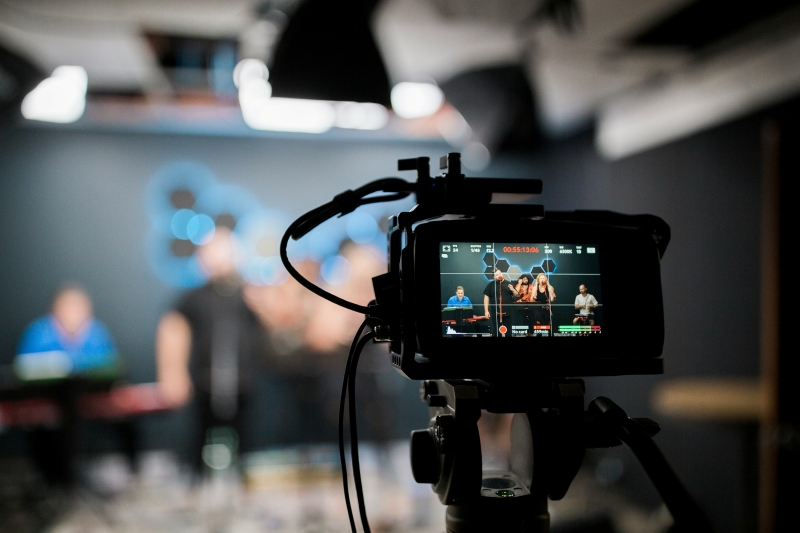
Regardless of the editor you choose, a simple workflow can make AI-assisted editing more useful.
Start by organising the source material. Separate product shots, demonstrations, talking-head footage, screen recordings, customer footage, music, and graphics where possible.
Next, define the purpose of the video. A product demo should answer different questions from a 15-second social ad. Give the editor or AI agent clear direction about the audience, message, duration, and important product points.
Then create a first assembly. This is where AI can be particularly useful. Instead of manually reviewing every take, an AI video editor can help identify usable material and build an initial sequence.
After that, review the timeline yourself. Check product details, claims, pacing, continuity, branding, audio, and visual quality. AI can handle repetitive execution, but the final edit still benefits from human judgment.
Finally, create the required versions. A single product video may become a horizontal website video, a vertical social clip, a short-paid ad, and several feature-specific cutdowns.
The best AI video editor for product videos depends on what you need help with. CapCut and Canva can make sense for straightforward social content, while Descript is useful for videos driven by spoken content. Premiere Pro is a stronger choice when detailed professional control is the priority, while Clipchamp offers a simpler option for teams producing straightforward marketing videos.
For teams dealing with substantial amounts of raw footage, an editor such as invideo editor takes a different approach by putting AI editing agents directly into the timeline workflow. That can be useful when the biggest challenge is not generating a video from scratch but getting from hours of source material to a workable edit.
The most effective workflow is usually not about handing the entire creative process to AI. It is about identifying the repetitive parts of production, letting the right tool handle those tasks, and keeping human control over the decisions that shape the final product video.
Want to gain more insights and inspirations? Explore our blog further.